- Social Fuel Newsletter
- Posts
- Your LinkedIn Profile Is a Funnel

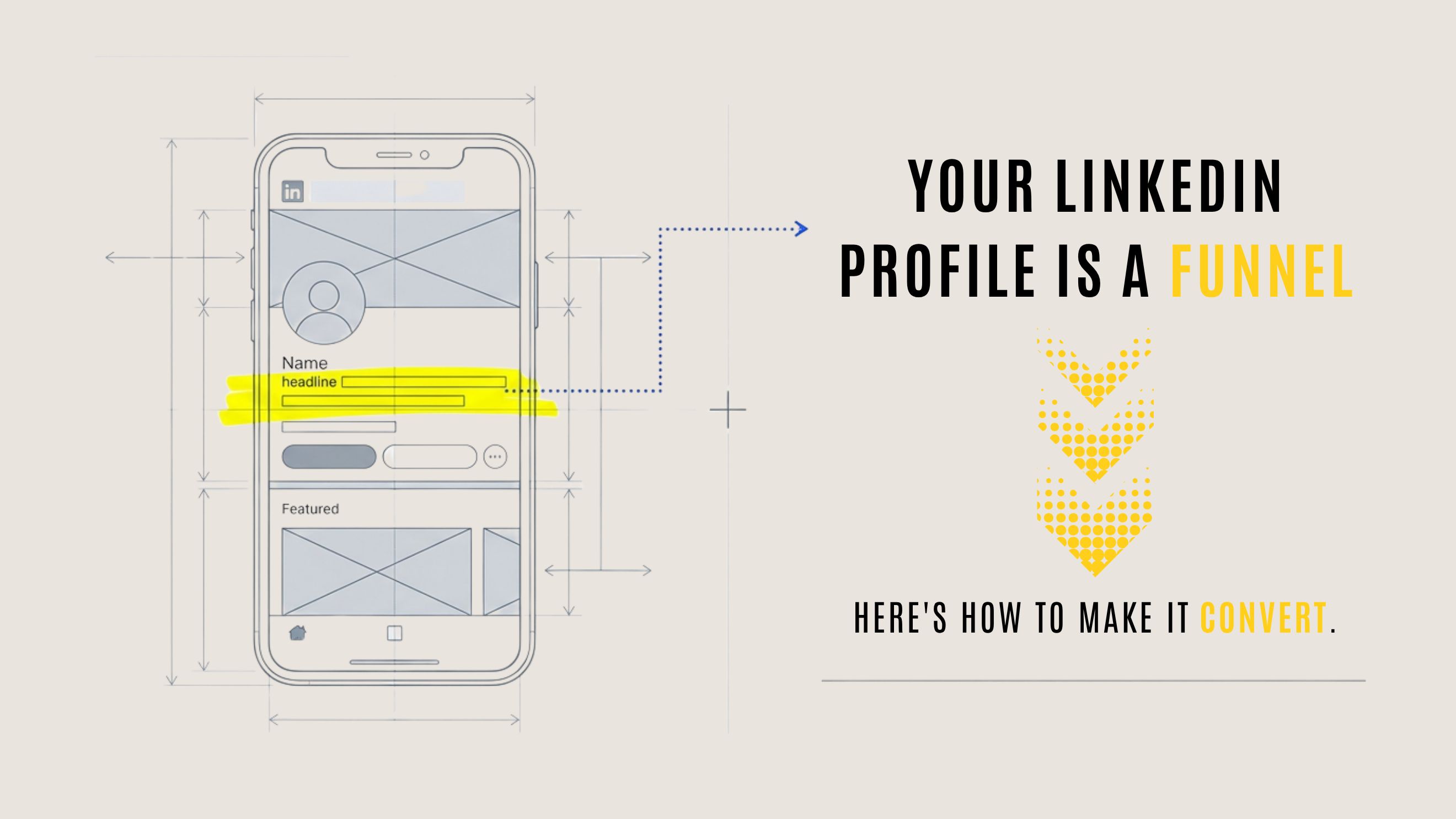
Most LinkedIn profiles are digital resumes. Lists of job titles. Chronologies of tenure. Vague descriptions of responsibilities that could apply to anyone.
And most LinkedIn profiles don't generate business.
That's not a coincidence.
Your profile isn't a history lesson. It's a pitch. When someone lands on your page, they're asking one question: Can this person help me? If the answer isn't obvious within five seconds, they're gone.
I call this the Profile-as-a-Pitch framework. It's the foundation of the Authority Engine I teach in Synergy, and it's what separates profiles that convert from profiles that just exist.
Here's the concept that changed my business: when crafted correctly, your profile becomes your most compelling lead magnet. It works for you 24/7, prequalifying potential clients, communicating your value before you ever speak to them, and freeing you from the exhausting cycle of constant outreach.
Here's what matters: A profile with 500 views and three sales calls beats one with 5,000 views and zero conversations. You can get a million impressions and still make zero dollars. But if you build deep trust with the right people, you can build a six-figure business.
Let me show you exactly how to transform each section of your profile into a client-attraction machine.
• • •
Section 1: Your Headline
Your LinkedIn headline is the most underestimated piece of real estate you own. Most people waste it on job titles like 'Marketing Manager at XYZ Corp' or 'Senior Consultant' or 'Freelance Designer.'
Here's the problem: no one cares about your job title. They care about whether you can solve their problem.
Your headline appears everywhere: in search results, connection requests, and every post you publish. It's your primary identifier and your first impression. Yet most professionals squander this opportunity.
The Formula
Effective headlines answer three critical questions: Who do you help? What problem do you solve? What outcome do they get?
Use this structure: 'I help [Target Audience] [Achieve Desired Outcome] by [Specific Service/Method].'
Examples That Convert
1. For a ghostwriter: 'I help founders grow on LinkedIn by turning their ideas into clear content.'
2. For a coach: 'I help tech leaders become better communicators through weekly 1-on-1 coaching.'
3. For a consultant: 'I help B2B teams turn LinkedIn content into qualified sales calls, without ads.'
4. For a career professional: 'I help mid-career operators land better roles by rewriting their story and positioning.'
See the pattern? Each headline clearly communicates value to a specific audience. No job titles. No vague expertise. Just clear value.
My Evolution
My old headline was a quote by Ralph Waldo Emerson: 'Do not go where the path may lead, go instead where there is no path and leave a trail.' Poetic, yes. But also, meaningless. I memorized it in college, but it doesn't address how I help my ideal clients solve their problems.
My new headline: 'I help LinkedIn creators grow and monetize their audience.'
That headline got me more profile views and qualified DMs in 30 days than the old one did in three months. That's the power of specificity.
Your Action Step
Look at your current headline right now. Does it clearly articulate who you serve, what problem you solve, and what outcome you deliver? If not, rewrite it using the formula above. Test it for 30 days. Watch your DMs.
• • •
Section 2: Your About Section
The About section is the most misunderstood real estate on LinkedIn. Most people treat it like a resume summary or a bland list of past achievements.
This space holds real potential. It's where you turn cold facts into warm connections. It's where your story can resonate with your ideal audience. This is your chance to show who you are, what drives you, and the transformation you deliver.
The Four Components
Your About section should weave together four key elements:
5. Your Origin Story: The pivotal moment that shaped your mission. The struggle that led you here.
6. The Problem You Solve: The specific pain points your clients face. Their frustrations. Their stuck points.
7. Your Unique Approach: Your methodology. The system or framework that sets you apart.
8. The Transformation You Deliver: The outcomes your clients experience. The before and after.
Here's What I Use
'Most creators post without purpose and wonder why nobody cares. I know, because I was one of them. No likes, no reach, no revenue. I was stuck in a cycle of creating content that disappeared into the void. Everything changed when I realized this: social media is about building a brand that speaks for you. Once I built a clear message and an intentional strategy, everything accelerated—nearly 4,000 followers every week, over 1.2 million weekly impressions, and a growing community of creators, founders, and executives whom I now mentor.'
Notice the structure: I start with the pain my audience feels. I share my own struggle. I reveal the shift. I prove it with numbers. Then I pivot to how I help others.
The First Two Lines Matter Most
The first few lines are critical because they're often all someone sees before clicking 'See more.' Your opening must be compelling, relevant, and instantly engaging.
I use: 'Most creators post without purpose and wonder why nobody cares.' That line stops the scroll and speaks directly to creators struggling with engagement.
End with a Gentle Next Step
End with something specific, helpful, and low pressure. I say: 'If your content feels invisible, I can help you fix that. Check my Recommendations Section to see exactly how I've helped others succeed.' Clear. Approachable. Easy to act on.
Avoid These Pitfalls
Excessive jargon that distances readers. Vague statements that say nothing. A self-congratulatory tone that repels. Listing every job title instead of focusing on relevant impact. Your narrative should be clear, authentic, and centered on the value you offer.
Your Action Step
Audit your current About Section using this structure: an opening hook that resonates with your audience's struggle, a brief origin story, the specific problem you solve, your unique approach, the transformation you deliver (with metrics if available), and a clear, helpful call to action. Rewrite with purpose so that every sentence builds connection and drives conversion.
• • •
Most banners are wasted real estate—a city skyline, a generic stock photo, or nothing at all. But your banner is prime visual territory. It's the first thing people see when they land on your page.
Treat it like your homepage hero section. A visual declaration of the transformation you offer.
The Formula
9. State the transformation clearly: 'Helping LinkedIn creators grow and monetize their audience.'
10. Add a visual proof element: Logos of companies you've worked with. Numbers that demonstrate impact. A short testimonial.
11. Include a soft call to action: 'Download the Authority Profile Checklist' or 'DM me to learn how.'
Your banner should tell the story of the after state. The future your ideal client wants to inhabit. It's not about what you've done—it's about what they can become.
Your Action Step
Open Canva and use a LinkedIn banner template. Write one clear line that communicates your value proposition. Add visual credibility if you have it. Create the banner today.
• • •
Section 4: Your Featured Section (The P1-P2-P3 System)
The Featured Section is your curated portfolio, but most people waste it by randomly pinning posts or leaving it empty. This is prime digital real estate, prominently displayed on your profile. When used strategically, it becomes one of your most valuable conversion tools.
Understanding Mobile Priority
On desktop, visitors see all three panels simultaneously. On mobile—where more than half of LinkedIn users access the platform—the layout is different. Users swipe through horizontally. Panel 1 appears first without scrolling. Panel 2 requires a swipe. Panel 3 requires another.
Most visitors will view P1. Some will swipe to P2. Fewer will reach P3. That's why strategic placement matters.
Panel 1: Your Best Lead Magnet
P1 should feature your most compelling lead magnet—a resource that delivers immediate value and positions you as an expert. This could be a comprehensive cheat sheet, detailed guide, tactical framework, or free training that solves a specific problem your ideal client faces.
Examples:
LinkedIn coach: 'The High-Trust Profile Checklist: 15 Elements That Turn Your Profile into a Lead Machine'
Sales consultant: 'The 5 Email Templates That Book Discovery Calls on Autopilot'
Career coach: 'The Resume Rewrite Framework That Gets Interviews in 14 Days'
Panel 2: Your Call to Action
P2 should drive deeper engagement—typically through a newsletter signup or a low-friction discovery call link. This panel targets individuals who found value in your P1 resource, trust you more now, and are ready to take a slightly larger step.
Example: 'Join 5,000 Professionals Getting My Weekly LinkedIn Growth Newsletter'
Panel 3: Your Best Social Proof
P3 should provide validation for those seriously considering working with you. This might include your best-performing post that showcases your expertise, a client testimonial formatted as a post or article, or a case study highlighting tangible results.
Example: 'How I Helped This Founder Go From 12 Profile Views Per Week to 250+ And Generate 8 Discovery Calls in 30 Days'
The Biggest Mistake
Treating your Featured Section like a random collection of posts. Three high-performing posts showcase writing but don't move someone through a conversion journey. Three lead magnets create decision paralysis. Three testimonials come off as self-promotional without first providing value.
Think of it as a mini funnel: P1 delivers value. P2 deepens engagement. P3 validates the decision.
Your Action Step
Audit your Featured Section today. Ask: Does P1 represent my strongest value offer? Does P2 provide a logical next step? Does P3 effectively remove remaining objections? If not, rearrange or replace.
• • •
Section 5: Your Experience Section
Most people treat the Experience Section like a resume—listing past jobs, responsibilities, and generic duties. This is a missed opportunity. Your past roles are more than historical markers. They're proof that you can deliver results.
The Shift
Transform this section from a chronological archive into a dynamic narrative that highlights the tangible value you bring.
Instead of listing job duties, showcase specific business impacts. Instead of 'Managed marketing team,' write 'Led a 4-person team that increased qualified leads by 340% in 18 months.' Numbers. Timeframes. Outcomes.
Visual Trust Signals
Missing logos or gaps in your profile create a subliminal message of doubt. If you worked for a company that no longer exists, tie your experience to the acquiring entity so the logo appears. This closes the 'trust holes' that subvert your credibility.
Your Action Step
Review each entry in your Experience Section. Replace responsibilities with outcomes. Add metrics where possible. Ensure every entry includes specific skills that reinforce your current positioning.
• • •
Section 6: Creator Mode
If you're building a personal brand, Creator Mode is nonnegotiable.
It changes your primary profile button from 'Connect' to 'Follow.' It lets you feature five topics you frequently discuss. And it positions you as a thought leader, not just a passive user.
The topic tags serve as keywords, enhancing your discoverability in LinkedIn's algorithm and surfacing your profile to users interested in your area of expertise.
Your Action Step
Turn on Creator Mode today. Select five topics that align with your content pillars and the problems you solve. This is a visible commitment to sharing knowledge—and a subtle cue that you're worth following.
When properly configured, your profile works like a conversion funnel embedded in your page.
A visitor lands on your page. They see your headline and instantly understand who you help. They read your About section and see themselves in your story. They check your Featured section, download your resource, and receive immediate value. They explore further, join your newsletter or book a call. They validate their decision by seeing proof that you deliver results.
This system runs in the background—qualifying prospects, building trust, and moving people toward conversion without requiring your constant involvement.
That's the Profile-as-a-Pitch framework in action.
You're not chasing attention. You're building a system that attracts the right attention and converts it consistently. You're not relying on lucky breaks. You're engineering predictable outcomes through strategic positioning.
Your Profile Audit Checklist
Use this checklist monthly to ensure every element contributes to your Authority Flywheel:
Headline: Clearly states your audience, the result you help them achieve, and your method.
Banner: Communicates the transformation you offer with a clear call to action.
About Section: Tells a clear, compelling story and ends with a strong invitation to connect.
Profile Photo: Clean, confident, and approachable.
Featured Section: P1 delivers value. P2 deepens engagement. P3 provides proof.
Experience Section: Includes measurable outcomes and proven frameworks.
Creator Mode: Turned on with five relevant topics.
Your profile isn't a historical record of where you've been. It's a strategic asset designed to communicate where you can take your ideal client. Every element—from your headline to your Featured Section—should serve a single purpose: attracting the right people and guiding them toward a meaningful next step.
Stop treating your profile like a resume.
Start treating it like a funnel.
Because that's exactly what it is.
—
Kevin Box is the author of Synergy: Thought Leadership, Strategic Partnerships, and Your LinkedIn Brand Engine—a comprehensive guide for coaches, consultants, and service providers building authority on LinkedIn.
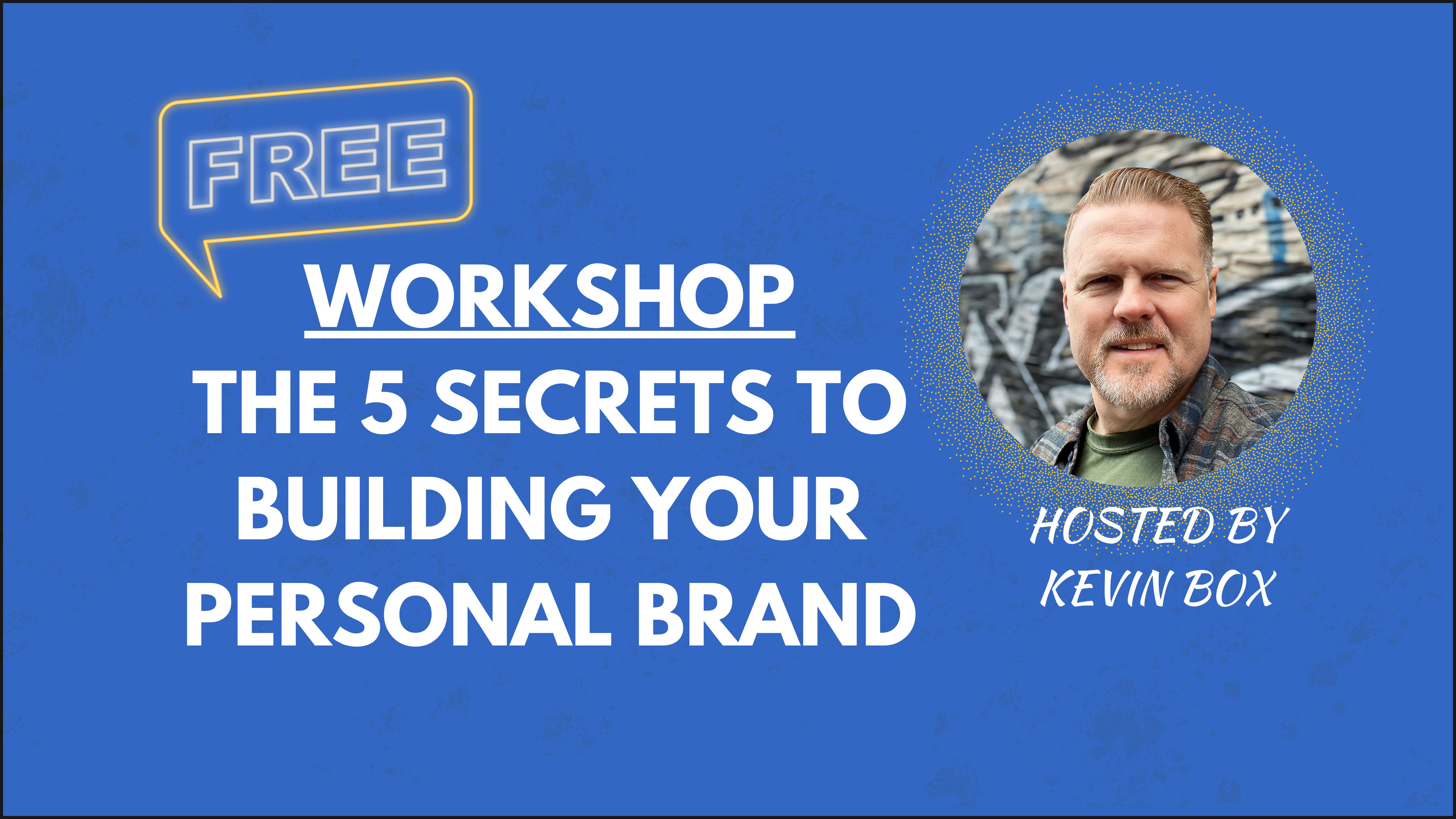
Start Building Your Authority
Free LinkedIn Growth Workshop
📌I'm hosting a free 1.5-hour workshop on April 18th at 9:30 AM Central Standard Time on the 5 Secrets to Growing Your Personal Brand and Monetizing your Digital Business.
Everyone who signs up and attends will receive 2 Free Gifts valued at $89.
𝗖𝗹𝗶𝗰𝗸 𝗵𝗲𝗿𝗲 𝘁𝗼 𝗿𝗲𝗴𝗶𝘀𝘁𝗲𝗿 𝗳𝗼𝗿 𝘁𝗵𝗲 𝘄𝗼𝗿𝗸𝘀𝗵𝗼𝗽:
https://lnkd.in/gu9_kgXw
Reply